
Set up online booking for your clinic in a few steps
Structure a clinic website that builds trust and makes booking easy — services, packages, doctor profiles, appointment forms and LINE.
People looking for a clinic usually have the same questions: what do you treat, who are the doctors, how much does it cost, and how do I book? A good clinic website answers all four and leads patients to a booking form without a phone call.
1. Structure the page around trust
A proven order for a clinic site:
- Hero — clinic name, key benefit and a booking button
- Services — grouped by condition or treatment
- Packages — prices and what is included
- Doctors — names, specialities and photos
- Reviews — feedback from real patients
- Contact and map — address, hours and chat channels
The Medical Clinic template already includes these sections. You only need to add your real information.
2. Write services for patients, not for doctors
Avoid medical jargon without an explanation. For example:
- Instead of just "dermatology", explain "skin consultation and treatment advice from a specialist"
- State how long a treatment takes
- Explain what patients should prepare before the visit
This reduces repeat questions and prevents misunderstandings when patients arrive.
3. Show packages and prices clearly
Unclear pricing makes patients wait. Show:
- The starting or full price of each package
- What is included (number of sessions, follow-ups)
- Validity conditions, such as how many months the package lasts
If prices depend on an examination, say so and give a range. Transparency builds more trust than a vague "contact us".
4. Keep the booking form short
Ask only what you need:
- Name and phone number
- Service or department
- Preferred date and time
- Preferred contact channel (phone or LINE)
Do not require account registration before booking — it is one of the biggest drop-off points. After submission, show a confirmation and tell the patient when the team will respond.
GiveU's booking module lets you receive appointments and manage their status in the dashboard.
5. Use doctor profiles and reviews carefully
Patients choose clinics based on confidence. Publish verifiable doctor profiles and avoid exaggerated claims or superlatives without evidence.
Reviews should come from real patients with permission. Before-and-after images require consent and must not reveal personal information.
6. Connect LINE
Many patients prefer LINE over a phone call. Add a LINE button that opens a chat directly and set a welcome message with your opening hours and booking steps.
7. Test before launch
- Booking works from a phone
- The patient receives a confirmation
- The team sees the appointment in the dashboard
- Phone and LINE details are correct
- The map leads to the clinic
- No medical claims are overstated
Summary
A clinic website should answer patient questions and make booking easy. Start with the Medical Clinic template, add your services, doctors and packages, and you are ready to take appointments online.
You can also browse all templates or compare plans for a custom domain.
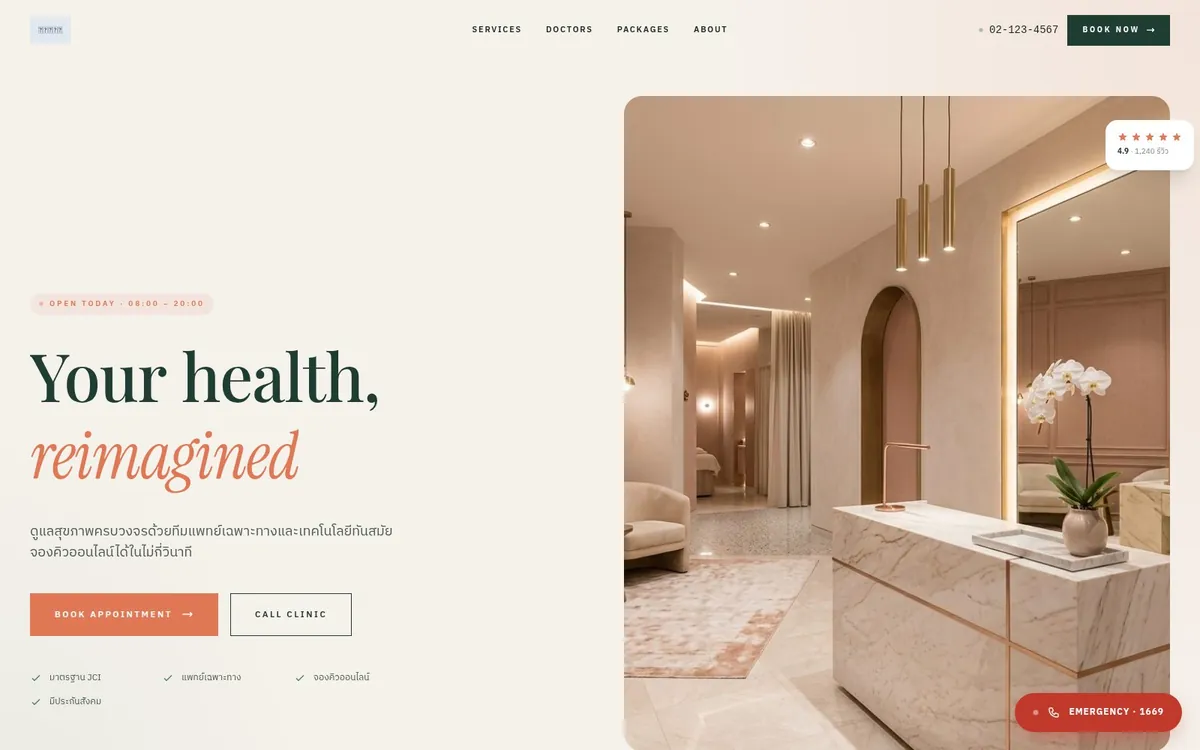
Related template
Medical Clinic
เว็บคลินิกแพทย์สมัยใหม่ — Symptom Checker, Live Queue, Online Booking, Before/After, แพ็กเกจสุขภาพ
Use this template free →